Kept on the phone
- Time
- Photos and issues
- Extra works
- Expenses
- Inspections (guide only)
- Toolbox talks
- Incident reports
- Cards, with photos
- Kit out and back
- Holiday requests
- Vehicle checks

The office and the crew read the same word; your customer sees where the job is up to.
Each stage brings the job tabs you need to the front, so the record follows the work. Your customer’s portal has its own simple strip that shows where their job is up to.
Follow one scaffold job from the first call to the invoice.
Log it in the Pipeline from your phone or at your desk. Book a site visit, record the survey and see each enquiry’s next action. An enquiry ends as Won, Lost, No bid or Withdrawn. Enquiries from your website form arrive in the same place, with up to three photos.
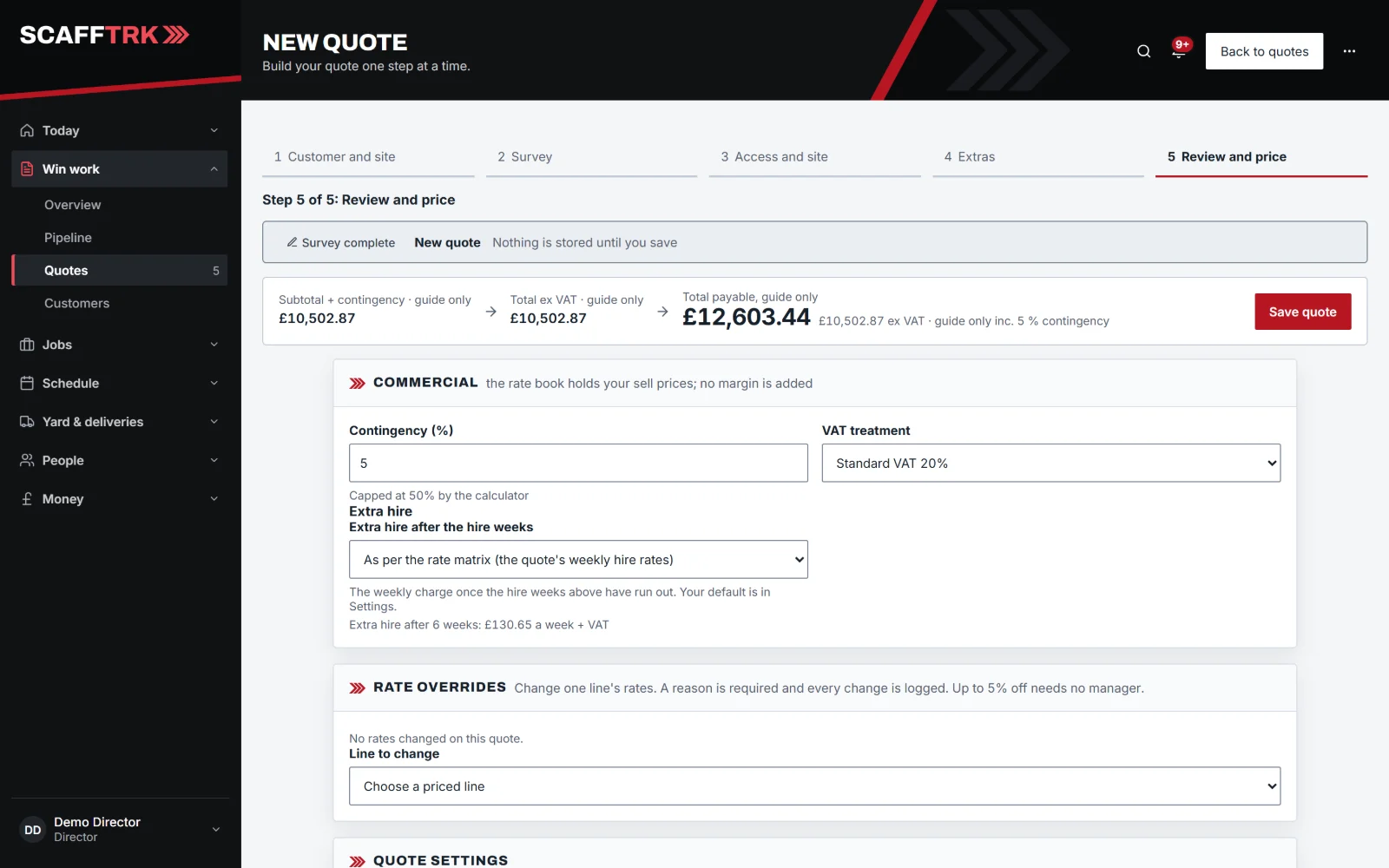
Build it one step at a time from your own rate book. ScaffTRK works out a guide price with contingency and VAT shown. Changing a line’s rate needs a reason, and every change is logged. Guide only.
Drag a job onto a day, or a person onto a job, to book it. If a crew is double-booked the clash shows in red or amber, and overriding it asks for a reason.
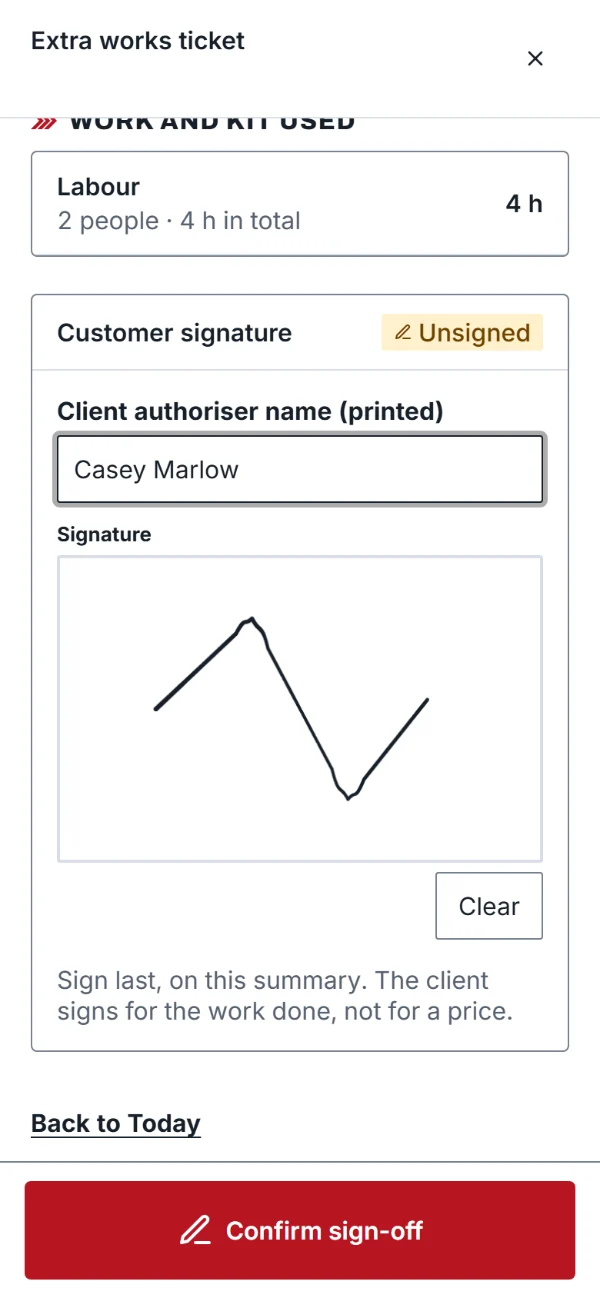
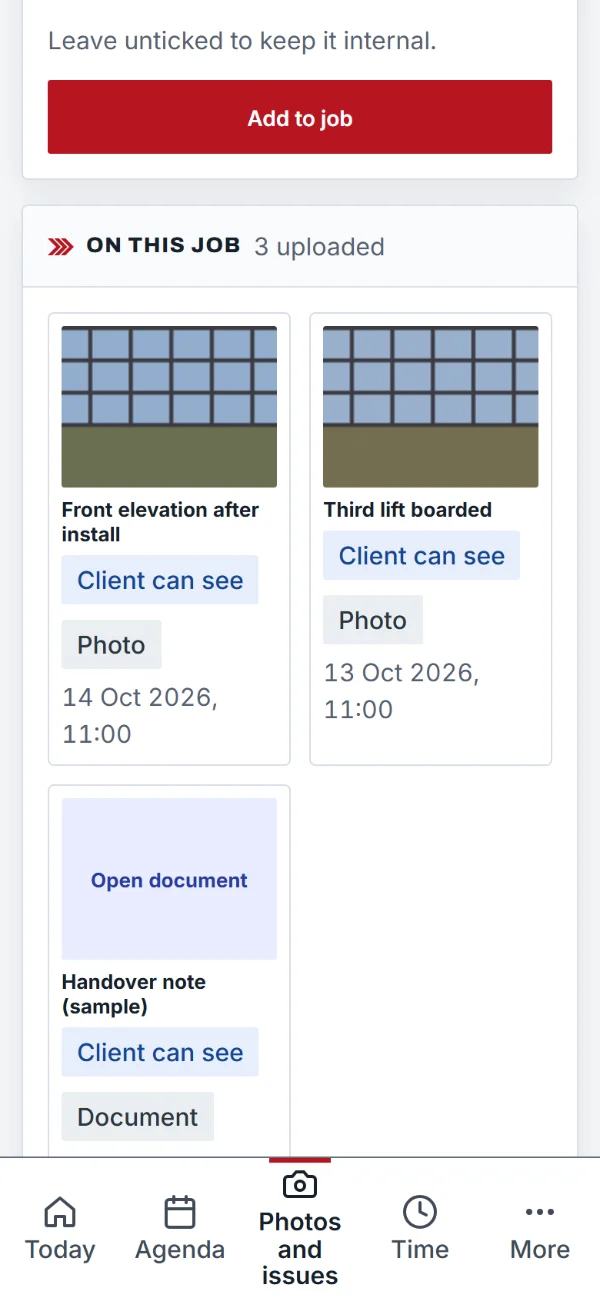
Clock in, add photos and issues, record extra works and take the client’s signature. Inspections are recorded as a guide only; a competent person still carries them out. Everything is kept on the phone and sent when you are back in range.
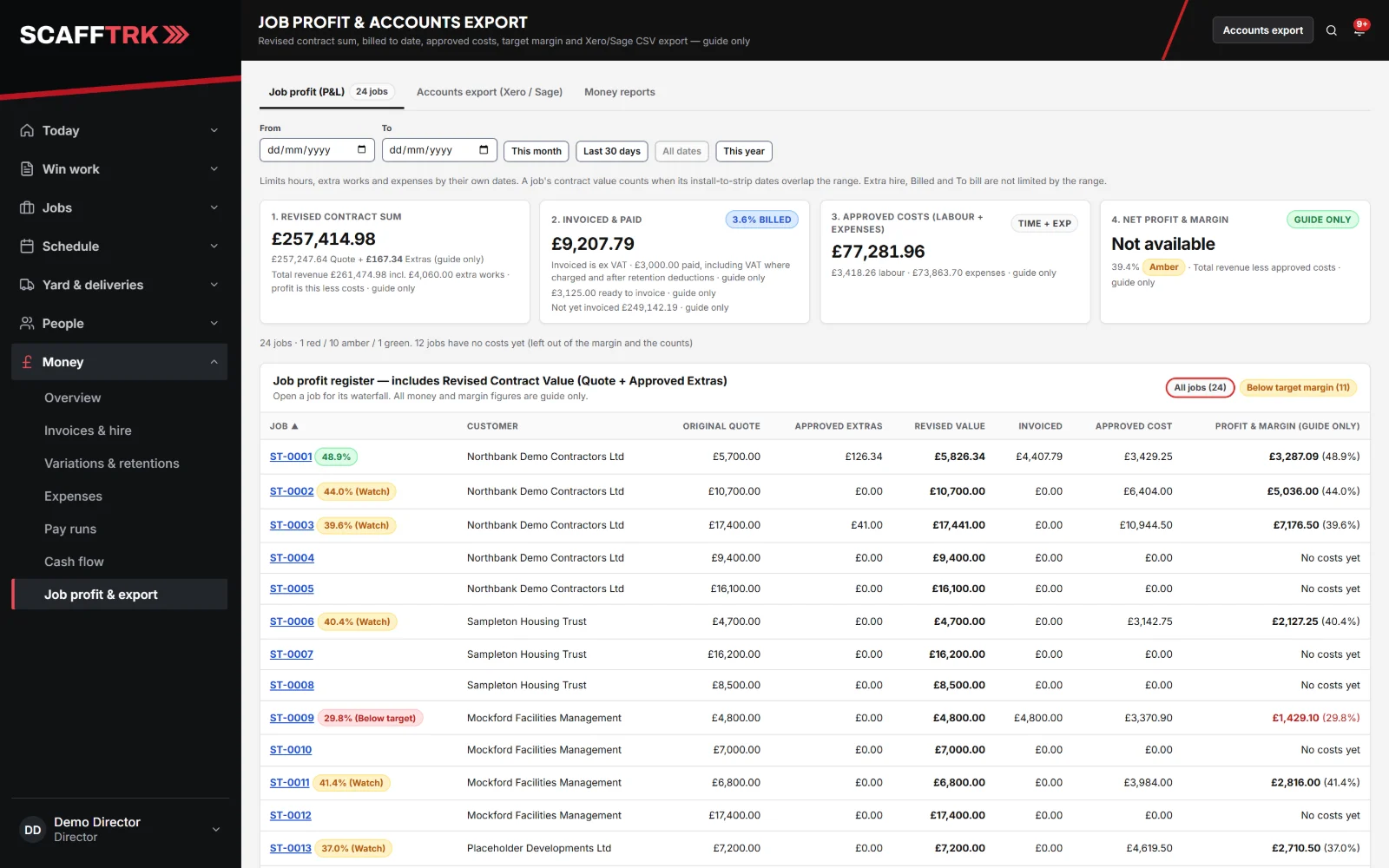
Issue the invoice, run the hire clock, and see profit job by job. Your customer’s portal shows where the job is up to. Invoices and hire dates appear there only when you switch them on.
The site app installs from the browser, so there is no app store. Work done out of signal is kept on the phone and sent when you are back in range.
Reprice an earlier quote against your saved rates, or copy it for the next job. When the customer has accepted, press Convert and the job is made with the quote’s details and value. A hand-off pack carries across the notes, drawings and kit list.
The site app works without signal, so the crew can clock in and record the day on the lift. It sends everything when the phone is back in range, and it installs from the browser.
Profit is worked out from the hours and expenses your office has approved and the extra works that are signed off, against the job’s value. You see it job by job, not at the end of the quarter. Guide only.